ArtículoArticle
Cómo edita la IA mis videos de YouTube en 11 pasosHow AI edits my YouTube videos, in 11 steps
Rodrigo Díaz
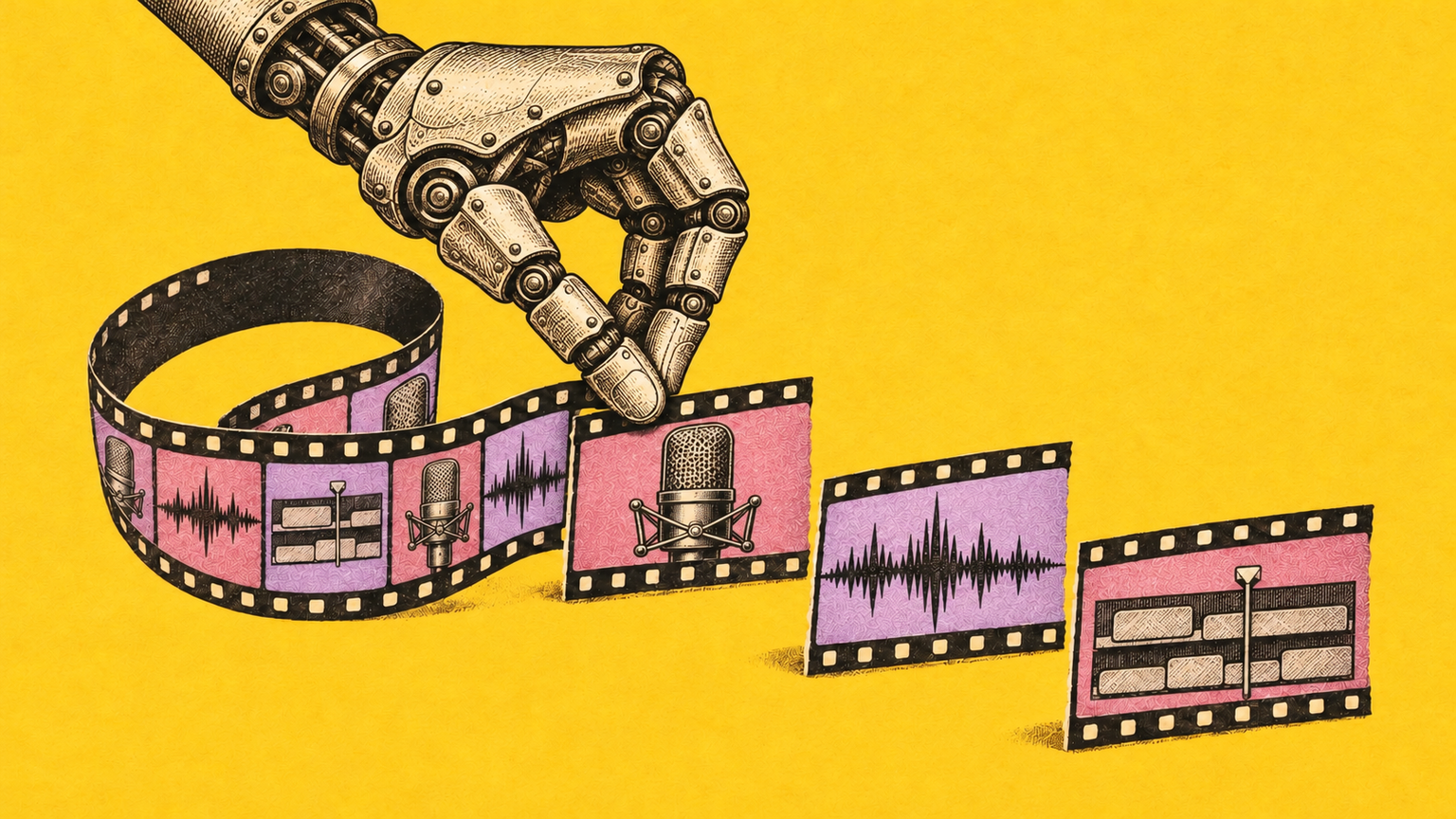
La inteligencia artificial editó por completo mis dos últimos videos de YouTube. No voy a volver a editar nada a mano.
El proceso tuvo varios pasos. Una sola instrucción no me dio un video largo completo. El video anterior tomó 37 horas de producción con agentes. Ahí cuento las horas en que dormía y no le daba comentarios a la IA. También cuento las horas en que la IA esperaba mi respuesta mientras yo hacía otra cosa o estaba lejos de la computadora.
No me malinterpretes. El resultado tiene fallas. Podría mejorar muchas cosas en mis videos si me tomara el tiempo de editarlos yo mismo...
¡Pero NO ME IMPORTA!
Prefiero que la IA haga todo el trabajo pesado, aunque el video quede imperfecto. Así no gasto mi tiempo y mi atención en pulirlo más.
Estos son los 11 pasos que uso ahora. Los hemos ido puliendo a prueba y error. Nunca me senté con una hoja a planear cada paso de la edición con agentes. Le fui dando comentarios a la IA y muchas veces le pasé posts y artículos de X (saludos a @ForwardEditor). También le mandé videos de YouTube donde la gente explica cómo edita con IA. Le pedí que viera qué herramientas y procesos podíamos aprender de ellos y copiar. De ahí salió el proceso y sigue cambiando.
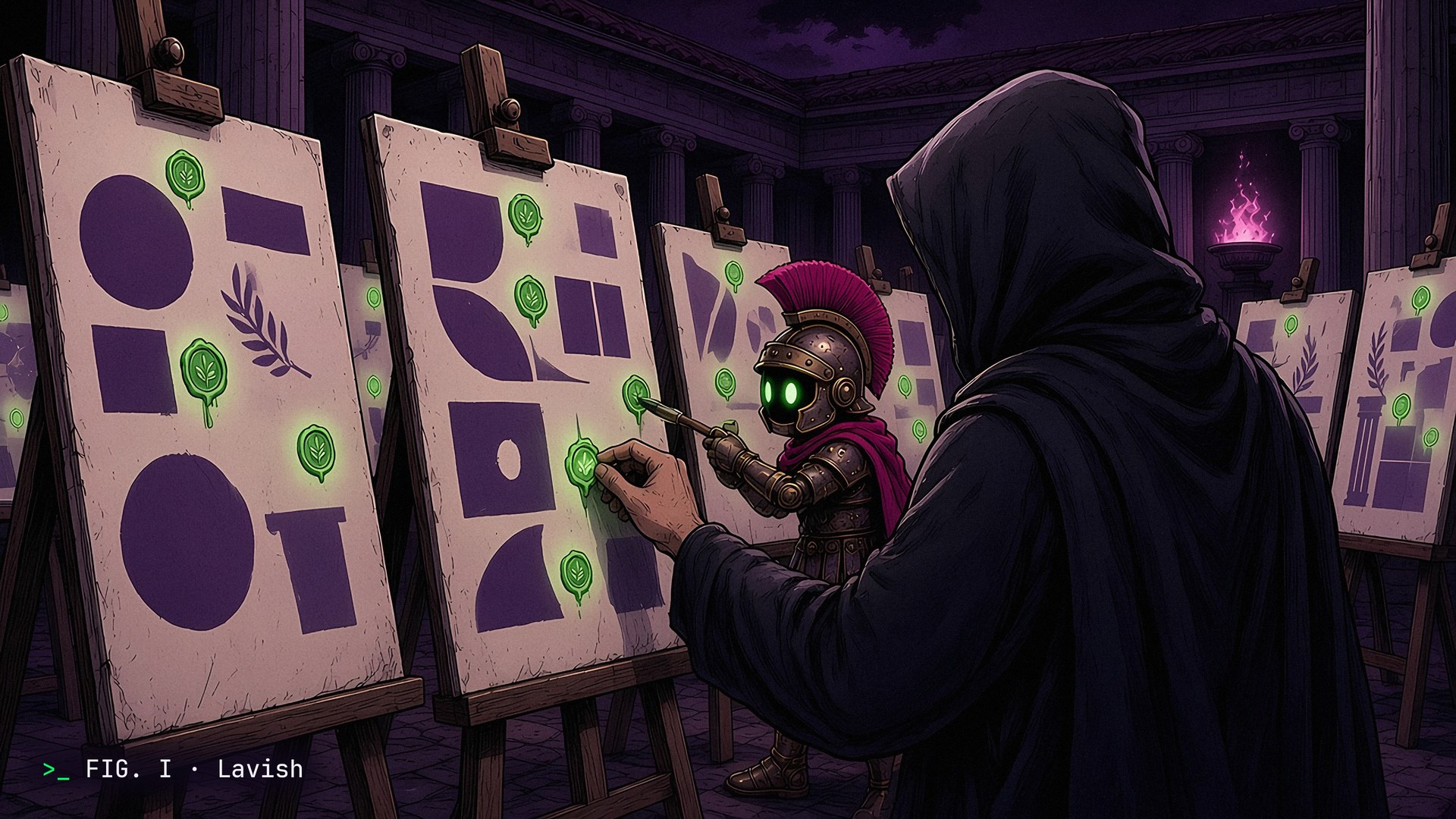
1. Diapositivas con Lavish
Primero hablo con la IA sobre el video que quiero hacer. Le digo el tema, desde qué ángulo lo quiero ver y de qué quiero hablar. Dicto con Wispr Flow (https://wisprflow.ai). Hasta le pido que me haga preguntas si tiene dudas, porque quiero que entienda bien mi punto de vista. Cuando ya entiende mi idea, hace las diapositivas en HTML, el formato de las páginas web.
En cuanto tengo la primera versión, empiezo a revisar las diapositivas en Lavish (https://github.com/kunchenguid/lavish-axi). Lavish abre en un navegador local el HTML que hace el agente. Ahí puedo marcar una parte de las diapositivas, dejarle una nota y mandársela al agente. Lavish guarda cada nota y la IA las revisa. Sigo dando comentarios hasta que digo «¿sabes qué? Ya quedaron bastante bien». Si te pones a pulir y pulir, te tardas años. Yo no busco la perfección.
Opus 5.5 (Claude) hizo las diapositivas y Sol (ChatGPT) hizo las imágenes. Los dos también fueron jueces.
2. Grabar con OBS
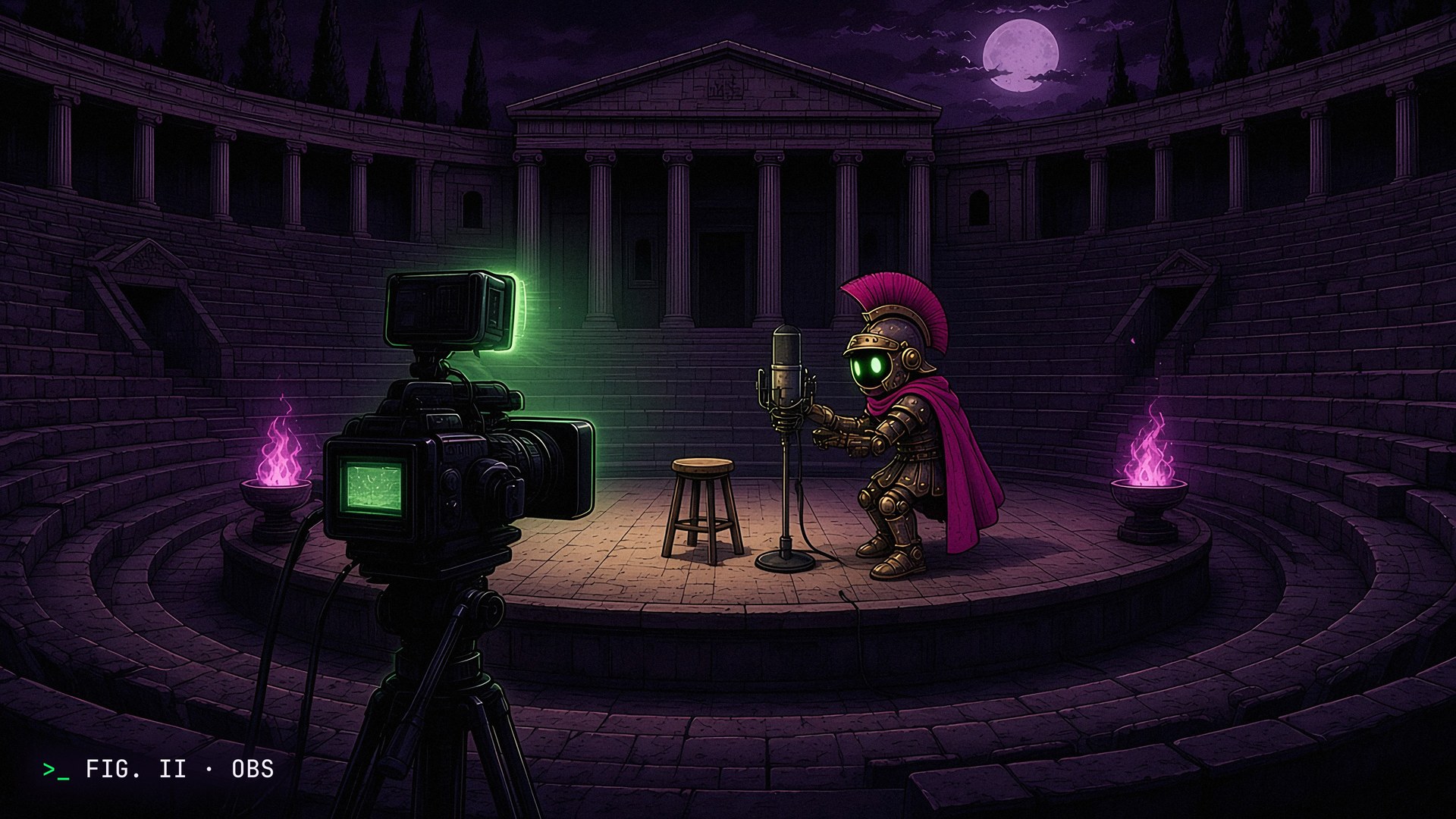
Si ya usaste OBS, sabes que hay que configurar muchas cosas. El micrófono, la cámara y demás. Yo no toqué nada en OBS. Le dije a la IA que quería grabar con OBS y le pedí que me preparara una escena. Antes de grabar hice un par de pruebas. La IA revisó que la grabación y el audio salieran bien.
Pienso hacer lo mismo con cualquier otro programa que quiera configurar. No quiero andar dando clics y tecleando para configurar las cosas. Prefiero decirle a un agente de IA cómo quiero que las configure. Por eso creo que el software del futuro se debe diseñar para que lo administren los agentes y lo usen las personas.
3. Transcribir con Whisper
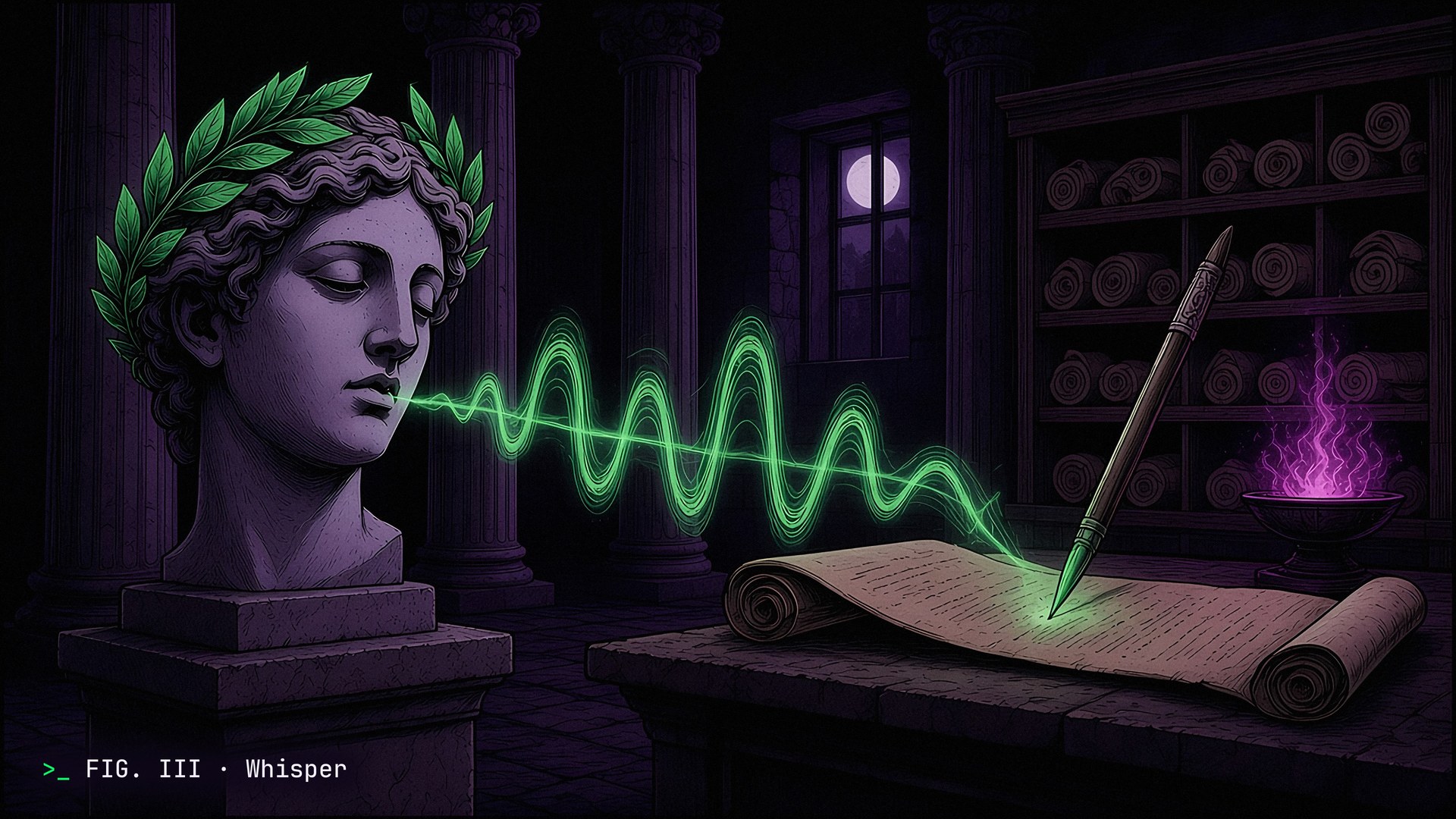
Cuando ya tengo el video, la IA transcribe mi audio con Whisper (https://github.com/openai/whisper), un programa de código abierto. Así tiene el contexto de lo que dije y sabe de qué trata el video.
Uso Whisper para mucho más que videos. Si alguien me manda una nota de voz sobre un proyecto, la guardo. Le pido a la IA que la transcriba y la archive con el proyecto para conservar el contexto. Hago lo mismo en una consulta médica o cuando el mecánico me explica qué se supone que tiene mi coche. Si quiero que mi IA opine sobre algo importante, lo grabo y se lo paso. Creo que en el futuro tendremos lentes o algún dispositivo que grabe video y audio las 24 horas, todos los días. Así la IA podrá tener contexto de todo lo que pasa en nuestras vidas.
Saber darle contexto a la IA es una de las habilidades más importantes ahora mismo. Whisper me ayuda mucho con eso.
4. Cortar con IA
Luego la IA empieza a cortar los clips a partir del audio y las imágenes. Quita las muletillas y las partes donde respiro.
Esta es la parte más fastidiosa y donde más se equivoca. Muchas veces se le pasa una palabra repetida o una respiración fuerte. Entonces vuelvo y le digo algo como «en el segundo 29 se te pasó esto». Yo lo haría mejor. Pero algo que a mí me tomaría, digamos, tres horas, la IA lo hace en menos tiempo. Mientras tanto, puedo hacer otras cosas.
La verdad, a veces subo el video aunque ya le haya encontrado errores. Por ejemplo, una parte donde tartamudeo o un tramo que la IA dejó y que yo habría cortado. A veces no me compensa corregirlo. Lo dejo así. No me importa. No quiero esperar más por la versión final ni gastar más tokens.
5. La voz
Mi micrófono no es muy bueno y no me gustaba cómo sonaba mi voz. Le pedí a la IA que la ecualizara, la comprimiera y le diera un poco de saturación y de reverberación. Por lo visto lo hizo con Python y FFmpeg. Luego me dio tres opciones y elegí la que más me gustó.
6. Música hecha con código
En mi canal anterior usaba Suno AI (https://suno.com) para la música. Ahora no lo estoy pagando y no quiero meterme en problemas de derechos de autor. Así que le pedí a la IA que hiciera con código la música de mis videos. También le puede poner efectos de sonido, como los pops que se oyen cuando aparece algo en pantalla. Pedirle un ritmo a Suno y hacerlo con puro código dan resultados distintos. Para música de fondo no importa tanto que suene espectacular.
A veces también le pido que acelere el video a 1.1 o 1.2 veces la velocidad normal. Siento que hablo un poco lento.
7. Gráficos animados en Castra
Para las diapositivas y los gráficos animados uso HyperFrames (https://hyperframes.heygen.com). Es una herramienta para hacer diapositivas animadas que encontré en X.
Muchos de estos procesos ocupan tu computadora o consumen muchos recursos. Es molesto estar trabajando y que se te abran ventanas porque tus agentes están usando alguna herramienta. Además, a mi Mac casi no le queda espacio. Por eso le digo a la IA que use Castra, una computadora con Linux que tengo de servidor. Le pido que guarde todo y trabaje ahí. Si tienes una computadora vieja que no usas y trabajas con agentes, úsala para quitarle trabajo a tu computadora principal. A mí me cambia mucho la forma de trabajar. Y la gente que no está metida en tecnología te mira como si fueras un genio cuando le cuentas que tienes un servidor para que tus agentes hagan cosas. Aunque no lo seas.
8. Jueces
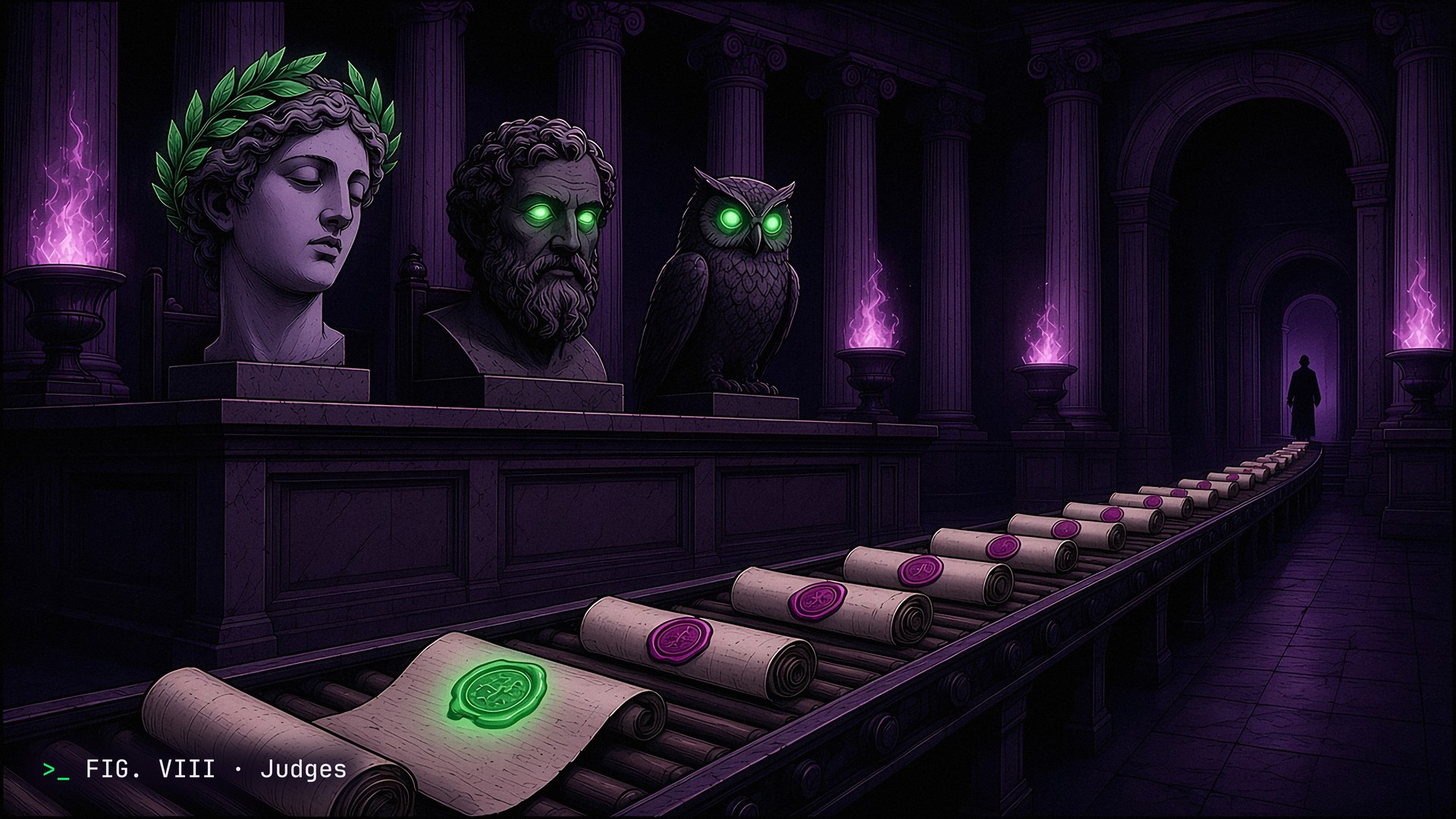
En algún momento te toca a ti ver el video, anotar los errores y decirle a la IA qué tiene que corregir. Yo trato de que el video pase por todos los jueces que pueda antes de dedicarle mi tiempo y mi atención.
Puedo estar trabajando en varios proyectos a la vez. Tengo poco tiempo y poca atención, y no quiero que la IA me pida revisar algo que resulta ser una basura. Por eso uso jueces de distintas empresas. Cada uno busca por su cuenta todos los errores que puede. La IA los corrige antes de que me llegue el borrador.
También tengo un agente que hace de juez en la posproducción. Ve todo el video, mira las diapositivas y escucha el audio. Busca dónde podemos meter tomas de apoyo, más diapositivas u otros elementos visuales. Así tengo más recursos que las diapositivas del principio. Cuantos más cambios y estímulos hay en el video, más interactúa la gente.
9. Miniaturas
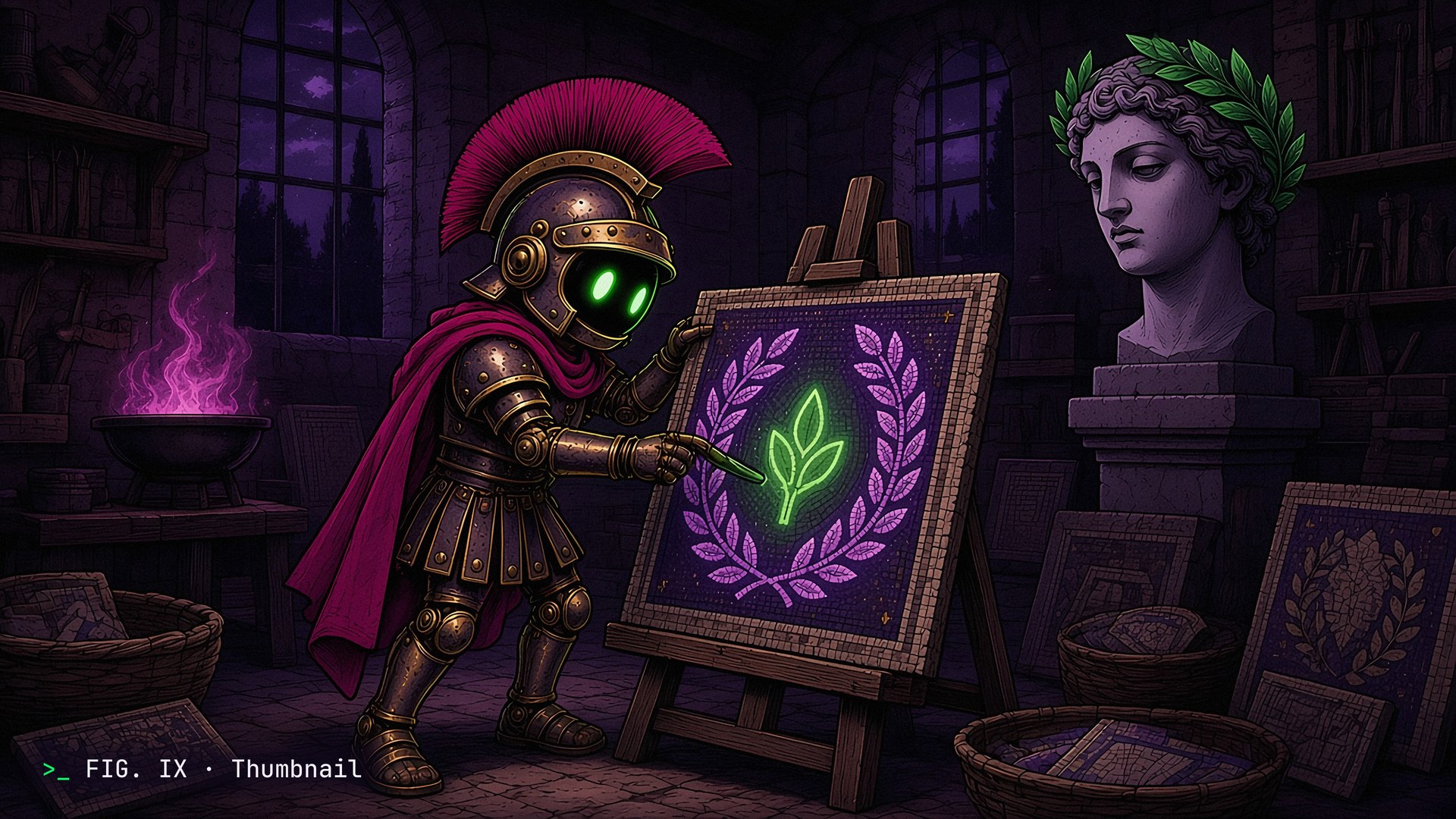
Ahora hago las miniaturas con Sol y el complemento de Canva. Uso Gemini de juez porque, para mí, es el que mejor se integra con YouTube. No suelo tomarme muchas fotos. Le di unas cuantas fotos mías y sacó miniaturas que me parecen bastante buenas.
Me gustaba hacer las miniaturas de mi canal anterior y creo que se me llegó a dar bien. Pero ahora lo que menos tengo es tiempo. No me molesta que las haga la IA.
10. Publicar
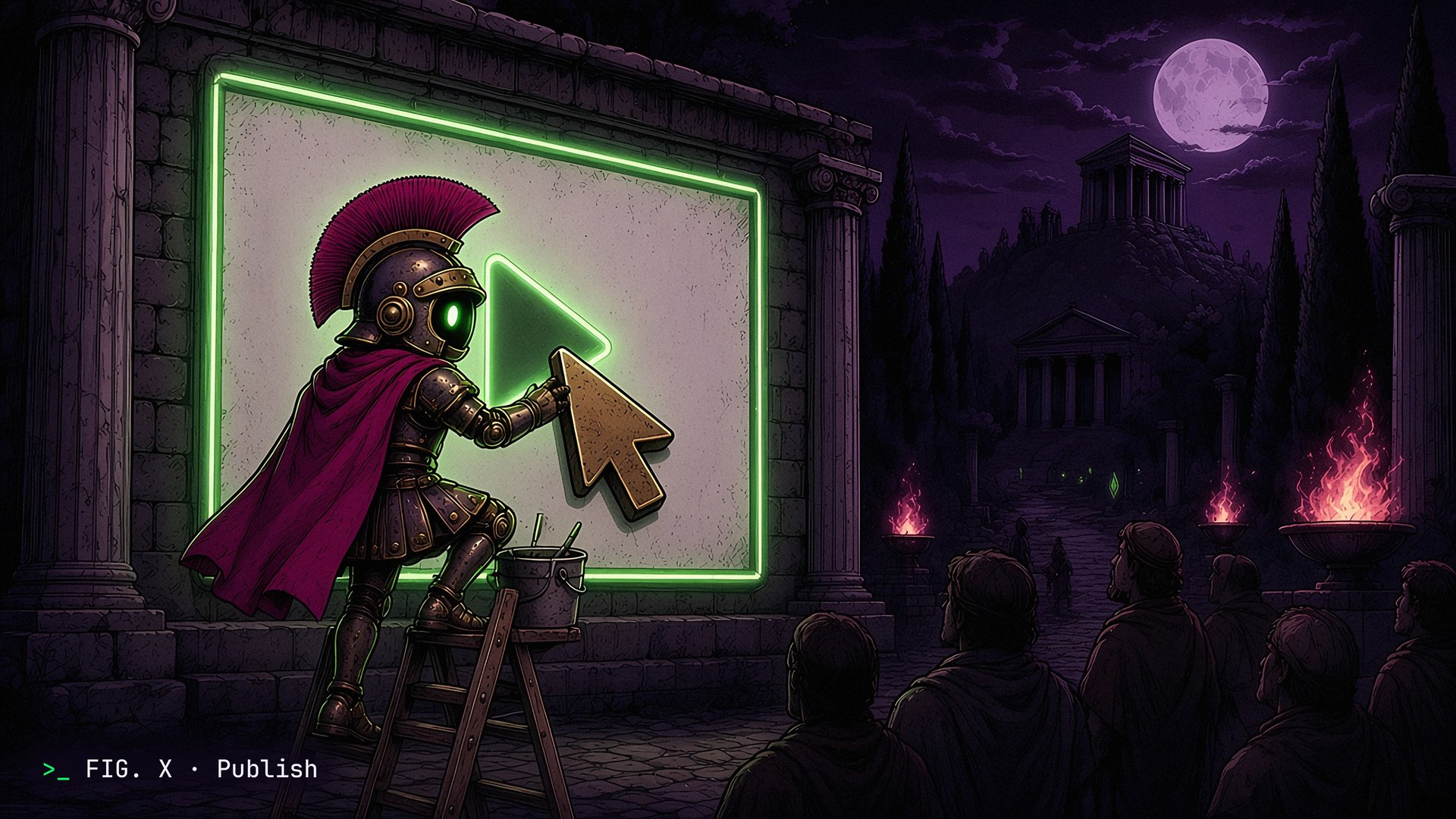
También le encargo a la IA que publique. Como ya dije, me da mucha flojera dar clics y teclear datos. Ahora le pido a la IA que haga todo lo aburrido, sobre todo si tengo tokens disponibles. Los modelos Sol de ChatGPT son los mejores para manejar la computadora.
Cuando subí el primer video a mi canal, todavía no tenía foto de perfil, banner ni descripción. Le pedí a la IA que se encargara de todo y lo hizo en menos de 10 minutos. Luego le pedí que subiera el video. Le puso el título, la descripción y las miniaturas. Si ya has usado YouTube, sabes que toda esa parte administrativa de subir un video y llevar el canal toma tiempo y aburre.
Tal vez haya un conector MCP o algo así para subir directo a YouTube. A lo mejor se puede por la interfaz de programación, la API. No sé. Por ahora le pido a la IA que maneje la computadora. Si tienes una forma mejor, úsala o cuéntame.
11. Shorts
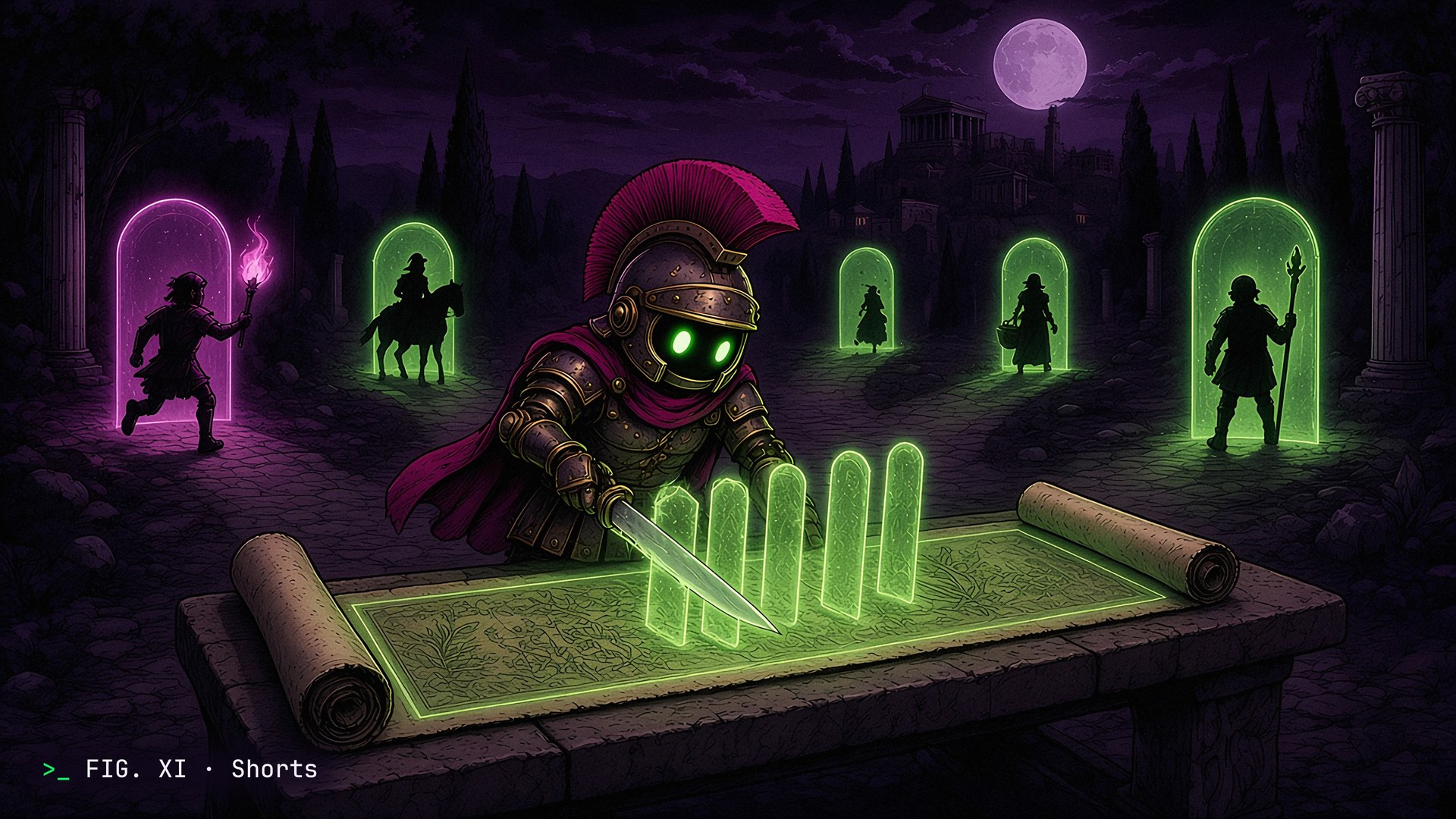
Cuando ya está publicado el video largo, hago mis shorts. También los puedes hacer antes de subir el video. Depende de ti. Luego subes los shorts para llevar más gente al video largo y generar más interacción.
La idea es tener un flujo de producción de contenido. El mío todavía está a medias. El video largo es la fuente principal. De ahí saco shorts y otras publicaciones para distintas redes, como este artículo de X.
Odio tener que jugar al juego del contenido y las redes sociales. Pero si hoy quieres hacer negocios y ganar dinero sin ser empleado, necesitas tener presencia en redes. Es una lata, ya sé. Así toca hoy.
El resultado
Todavía tengo que guiar a la IA poco a poco. Intervengo varias veces, cuando preparo las diapositivas, cuando está cortando y cuando veo el borrador. Aun así, hace buena parte del trabajo. Tal vez el 80 o el 85 %. No sé si editar a mano me habría tomado 37 horas. Puede que sí. Puede que no.
Por qué dejé mi otro canal
El año pasado tenía un canal de YouTube de un tema totalmente distinto. Hasta cierto punto me ayudaba con IA. El canal ya estaba monetizado y hasta estaba formando una comunidad pequeña.
Dejé el canal más o menos en febrero de este año. Editar me tomaba demasiado tiempo. Me daba mucha ansiedad pasar todo mi tiempo libre editando cuando quería aprender sobre IA. Para mí, aprender IA es la mejor inversión que puedo hacer con mi tiempo. Creo que va a tener un impacto mucho más amplio que la Revolución Industrial. También creo que lo más inteligente hoy es invertir tiempo en aprender a usar estas herramientas y agarrar experiencia con ellas. Así que me dediqué al 100 % a la IA y dejé mi canal anterior. Fue una decisión difícil.
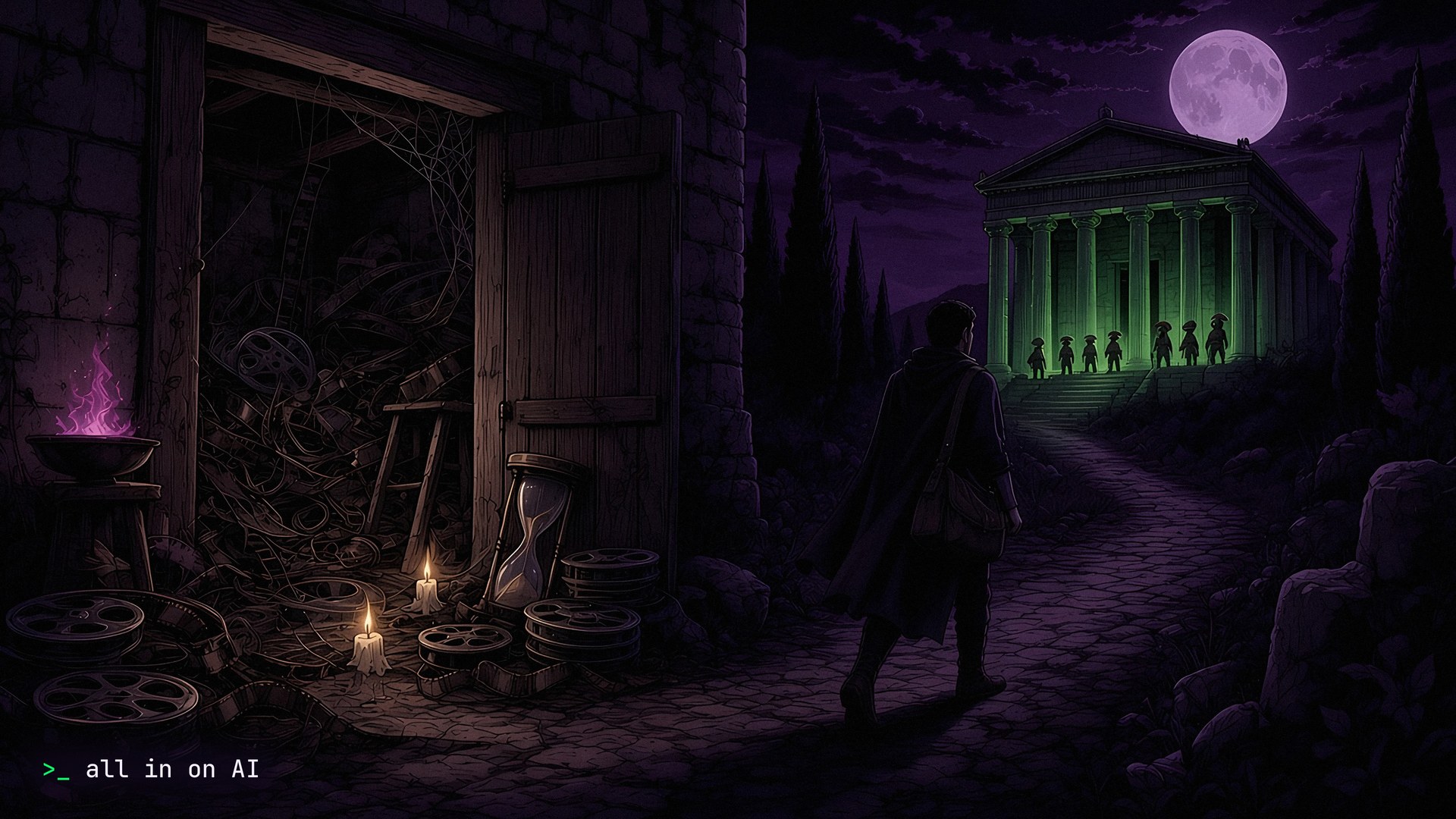
Dejé ese canal por la edición. Ahora que encontré cómo hacer que la IA edite, no voy a volver a hacerlo a mano. Puede que retome mi canal anterior. Sí me daba dinero y todavía recibe vistas y gana suscriptores, aunque llevo nueve meses sin publicar un video ahí. Los resultados tienen fallas, pero me sirven para volver a crear contenido tanto para ese canal como para el nuevo, donde hablo de IA.
Voy a seguir puliendo este método con cada video. Le pido a la IA que aprenda de los aciertos y errores de cada grupo de agentes que edita.
Mira el video en https://youtu.be/MfTgVh2uguw
My latest two YouTube videos were fully edited by AI, and I'm never editing anything by hand again.
Take into consideration this was a multistep process, not just a single prompt that made a ful long form video in one shot. My previous video took 37 agentic production hours in total. That includes the hours I was sleeping and not giving the AI feedback, or when the AI was waiting for my input and I was doing something else or was AFK.
Don't get me wrong, it isn't perfect. There's a lot I could improve in my videos if I took the time to edit them myself...
But I DON'T CARE!
I prefer an imperfect video where AI does all the heavy lifting over spending my time and attention to get something more polished.
These are the 11 steps I'm using right now. We've been polishing them through trial and error. It's not like I grabbed a piece of paper and sat down to plan each step of the agentic video editing process. I gave the AI my feedback, and a lot of times X posts, X articles (shoutout to @ForwardEditor) and YouTube videos where people explain how they use AI to edit video, and I asked it to see what tools and processes we could learn from them and copy. So the process came from there, and it keeps changing.
1. Slides with Lavish
First I talk with the AI about the video I want to make, what the topic is, the angle I want to take and what I want to talk about. I dictate with Wispr Flow (https://wisprflow.ai) and I even tell the AI to ask me questions if it has any doubts, because I want it to really understand my perspective. Once it has a good understanding of my idea, it makes the slides as HTML.
Once I have the first version of the slides, I review each version in Lavish (https://github.com/kunchenguid/lavish-axi), a tool that opens the HTML your agent makes in a local browser so you can annotate it and send the feedback back to the agent. I select a specific part of the slides and leave a note on it, Lavish keeps every note, and the AI goes through them. I keep giving feedback until I'm like, you know what, they're decent enough. If you polish and polish, you'll take years, and I'm not looking for perfection.
Opus 5.5 (Claude) did the slides, and Sol (ChatGPT) made the images. Both of them were judges too.
2. Recording with OBS
If you've used OBS before, you know you have to set up a bunch of stuff, your mic, the camera and so on. I didn't touch anything in OBS. I just told the AI I wanted to record with OBS and asked it to set up a scene for me. Before recording I did a couple of tests and the AI checked if the recording and the audio were OK.
I'm planning to do the same with any other program or software I want to configure. I don't want to configure things by clicking and typing. I prefer to tell an AI agent to configure things the way I ask. That's why I believe software in the future needs to focus on being managed by agents but consumed by humans.
3. Transcribing with Whisper
Once I have the video, the AI transcribes my audio with Whisper (https://github.com/openai/whisper), an open source program, so it gets context on what I said and knows what the video is about.
I use Whisper for a lot more than videos. When someone sends me a voice note about a project, I save it and have the AI transcribe it and file it with that project, so it stays in context. I do the same at a doctor's appointment or when a mechanic is explaining what's supposedly wrong with my car. If there's anything important I want my AI to give feedback on, I record it and feed it to my AI. I think in the future we'll have glasses or a device that records video and audio 24/7, so AI can have context on everything in our lives.
One of the most important skills right now is knowing how to give AI context, and Whisper helps a lot.
4. Cutting with AI
Then the AI starts cutting the clips based on the audio and the images. It removes the filler words and the parts where I breathe.
This is the most annoying part, and the one it gets wrong the most. A lot of times it doesn't catch a repeated word or a loud breath, so I go back and tell it something like "at second 29 you missed this." It doesn't do it as well as I would, but something that would take me, let's say, three hours, the AI does in less, and I can be doing other stuff in the meantime.
To be honest, there are times I've uploaded a video even after catching some mistakes, for example a part where I stutter, or a section the AI didn't cut that I wish it had, or that I would have cut as a human. But sometimes it's just not worth it for me. I leave it like that, I don't care. I don't want to wait longer for the final version and I don't want to waste more tokens.
5. Voice
My mic isn't very good and I didn't like how my voice sounded. So I asked the AI to EQ it, compress it, and give it a bit of saturation and a bit of reverb. Apparently it did it with Python and FFmpeg. Then it gave me three options and I picked the one I liked the most.
6. Music by code
On my old channel I used Suno AI (https://suno.com) for the music. I'm not paying for it right now and I don't want to get into copyright problems, so I told the AI to make music for my videos with code. It can even add sound effects, like the pops you hear when things appear on screen. Obviously asking Suno for a beat isn't the same as having the AI make one with pure code, but it's just background music, so it doesn't really matter if it sounds super cool.
Sometimes I also have it speed the video up to 1.1 or 1.2 because I feel I talk a bit slow.
7. Motion graphics on Castra
The slides and motion graphics are made with HyperFrames (https://hyperframes.heygen.com), a tool I found on X that makes animated slides.
A lot of these processes need your computer or a lot of resources, and it's not fun to be working and have windows popping up because your agents are using some tool. Also my Mac is almost out of storage. So I tell the AI to use Castra, a Linux computer I have as a server, and to store and work on everything there. If you have an old computer lying around and you have agentic workflows, put it to work for your main computer. It's a game changer, and people who aren't into tech will look at you like you're some kind of genius when you tell them you have a server for your agents to build stuff, even if you're not.
8. Judges
Obviously, at some point you, the human, are going to have to watch the video, write down the errors and give that feedback to the AI so it fixes them. But I try to put as many judges as I can as a filter between the video and my own time and attention.
I might be working on many projects at once, so my time and attention are scarce, and I don't want the AI telling me to check something that turns out to be garbage. So I use judges from different companies that try to find as many errors as possible on their own, and those get fixed before the draft reaches me.
I also have an agent that works as a judge in post-production. It watches the whole video, looks at the slides, listens to it, and finds spots where we can add B-roll, more slides or other visuals. So I'm not depending only on the slides I made at the start, and the more changes and stimulation your video has, the more engagement.
9. Thumbnails
Right now I make the thumbnails with Sol using the Canva plugin, and I'm using Gemini as the judge because it obviously has the best integration with YouTube. I'm not someone who takes a lot of photos, so I gave it a few photos of me and it generated thumbnails that I think look pretty decent.
I liked making thumbnails on my old channel, and I think I got good at it. But since time is what I have least right now, I don't mind having AI make my thumbnails.
10. Publishing
I also have the AI publish. As I've mentioned, I've gotten really lazy about clicking and typing in information, so now I ask the AI to do all the boring stuff, especially if I have the tokens. ChatGPT's Sol models are the best for computer use.
When I uploaded my first video to my channel, I hadn't made a profile picture, a banner or a description. I told the AI to do all of it, and it did it in less than 10 minutes. Then I told it to upload the video, and it added the title, the description and the thumbnails. If you have experience with YouTube, you know all that admin side of uploading a video and managing your channel takes time and it's boring.
Maybe there's an MCP or something to upload straight to YouTube, or maybe you can do it via API, I don't know. For now I do it with computer use. If you have a better way, go for it, or let me know.
11. Shorts
Once the long video is up, I make my shorts. You could do it before uploading too, it depends on you. Then you upload the shorts and use them to bring more engagement to your long form.
The goal is a content pipeline (mine isn't fully built yet, it's still in the works). The long video is the main source, and it turns into shorts and other posts for different social networks, like this X article.
I hate playing the content and social media game, but unfortunately, if you want to do business and make money today without being an employee, you need to have a social media presence. Sucks, I know, but that's the name of the game today.
The result
I still have to walk the AI through it little by little, and I step in multiple times, when preparing the slides, when it's cutting, and when I watch the draft. But it does a big part of the work, maybe 80 or 85%. I don't know if editing by hand would have taken me 37 hours. Maybe yes, maybe not.
Why I left my other channel
Last year I had a YouTube channel in a totally different niche, and I used AI to help me with it up to a point. It was already monetized and I was even building a small community.
Around February this year I stopped. Editing took too much time, and I felt a lot of anxiety because I was spending all my free time editing instead of learning AI. IMO that's the best investment of my time, since AI will have a much broader impact than the industrial revolution did. I also believe the smartest thing to do nowadays is to invest time in learning to use these tools and building experience with them. So I focused 100% on AI and let that old channel go. It was a tough decision.
Editing is what made me quit that channel. But now that I've found a way for AI to do it, I'm not going back to editing by hand, and I may relaunch that old channel, which was actually making money and is still getting views and subs even though I haven't published a video in the last 9 months. The results may not be perfect, but they're good enough for me to pursue content creation again, not just on my old channel, but on this new one I made where I talk about AI.
I'm going to keep polishing this method with every video. I'm telling the AI to learn from what each batch of editing agents gets right and wrong.
Watch the video: https://youtu.be/MfTgVh2uguw
